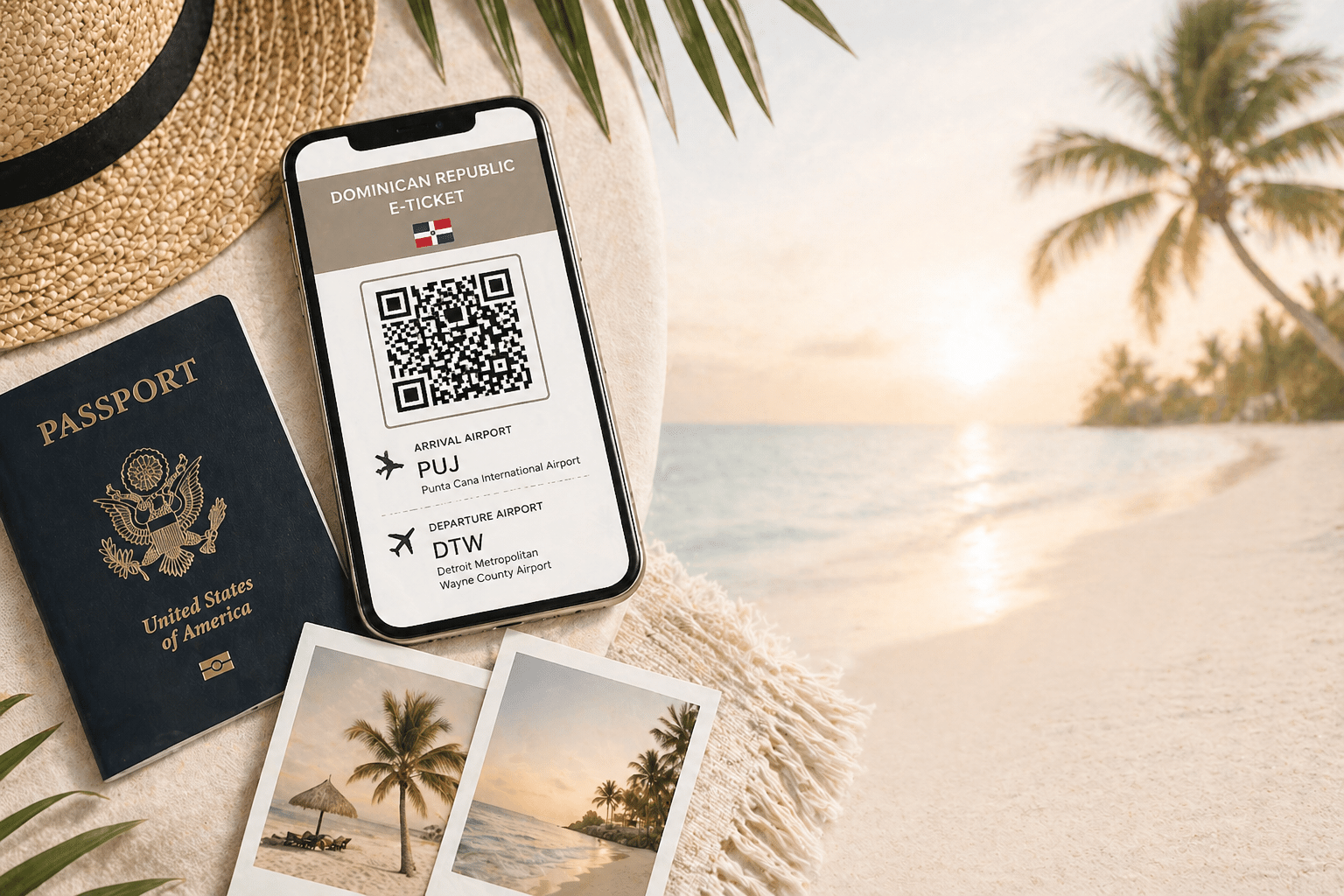
Whether you’re heading to Punta Cana for a destination wedding, planning your honeymoon, or traveling with a big group of family and friends… every single traveler entering or leaving the Dominican Republic has to complete the E-Ticket form.
And out of all the entry requirements we deal with, this is the one that gets the most questions… by far.
So if you’re feeling a little unsure about it, you’re not alone.
The good news is – it’s actually pretty simple once you know what you’re doing. Let’s get to it!
What Is the Dominican Republic E-Ticket?
The Dominican Republic E-Ticket is a required online form for all travelers entering and leaving the country. Think of it like a Visa. You’ll need one for your arrival in the Dominican Republic and one for your flight home.
It replaces the old paper forms for immigration, customs and health entry. Even though it seems like a pain in the bum, it saves time and truly only takes 3 minutes.
When Do You Need to Fill It Out?
I recommend you fill this form out 72hrs before you take off. Why not the day before or the day of? My advice comes from a distrust of international technology – I have seen multiple e-visa sites crash or glitch out. Its better to be prepared in these situations and have extra time to get your entry forms squared away than ruin your arrival day stressed out.
What You’ll Need Before You Start
Before you open the form, have this ready so you’re not stopping halfway through:
- Your passport
- Your flight details
- Your resort name and address
The form itself only takes about 5–10 minutes… as long as you have everything in front of you.
Step-by-Step: How to Fill Out the E-Ticket
Go to the official website: https://eticket.migracion.gob.do/
- Select “Enter the Form”
- Choose the number of travelers you’re completing the form for
- Enter your personal and passport information
- Add your flight details
- Enter your resort or accommodation information
- Complete the customs questions
- Submit the form
Dana’s Tip: while you’re in the system, it will ask you if you’d like to fill out your return E-ticket. I recommend doing both arrival/departure together. Again – the system is working – take advantage and kill two birds and give yourself extra time by the pool to relax later on.
Once completed, you’ll receive your QR code(s) immediately. Take a screenshot. I never expect an email to hit my inbox. Better safe than sorry. If you would like me to attach your QR code to your itinerary for safe keeping, please email it to me.
Embark vs. Disembark… What Does That Mean?
This is where almost everyone gets stuck. The form uses the word “port”… but you’re just selecting airports. Here is what I tell all my travelers – if you remember one thing… embarking = where you start, disembarking = where you land.
Arrival to Punta Cana:
- Embarking Port = the airport you’re leaving from
(Example: Detroit – DTW) - Disembarking Port = Punta Cana (PUJ)
Departure (Going Home):
- Embarking Port = Punta Cana (PUJ)
- Disembarking Port = your home airport
How to Avoid Scam Websites
There are fake websites that look official and try to charge you to complete the E-Ticket. These are either scam sites or services that will fill out the form on your behalf.
There is only one official form and it is completely free.
Only use this link: https://eticket.migracion.gob.do/
If a site is asking for payment… you’re in the wrong place.
Do Not Lose Your QR Code
After you submit the form, you’ll receive an email with your QR code.
Do this immediately:
- Save the email
- Take a screenshot
- Keep it in your camera roll
You’ll need to show this at the airport… and you will not be allowed to board without it.
✔️ Dana’s Tip: Pull up your screenshot before you even get to the counter… don’t rely on WiFi or digging through your inbox.
Common Mistakes to Avoid
A few things I see people get wrong:
- Waiting until the last minute
- Using a scam website and paying for the form
- Confusing embark vs disembark
- Forgetting to do the departure form
- Not saving the QR code
Avoid these… and the process is smooth. With this and your passport, you are ready to enjoy your stay in the Dominican Republic.

April 28, 2026
Dana Braun